Most AI testing tools promise the same thing: less maintenance, faster authoring, tests that fix themselves.
Some deliver. Many quietly trade one problem for another.
After running QA on complex projects for years, my honest take is that the tool matters far less than the discipline you keep around it.
I lead one of DECODE’s QA teams, and I’ve used or evaluated a lot of tools on real projects.
This is not a vendor roundup written from marketing pages. It’s what I’d tell a CTO who asked me which tool to bet on, and where each one will let you down.
“AI test automation” now covers three very different things, and conflating them is the most common mistake I see.
Before you compare tools, get clear on which capability you actually need. The three levels break down like this:
AI-augmented testing – Humans still author and own the tests. AI handles the tedious parts: self-healing locators, auto-wait, visual diffing, root-cause hints.
Autonomous test generation – The tool writes tests for you, often from plain English or by crawling your app. You review and accept/reject the output.
Agentic testing – An AI agent explores, decides what to test, and adapts on its own. Real, but early, and rarely production-grade without heavy guardrails.
A few specific capabilities matter more than the buzzwords:
Self-healing – Updates a locator when the UI changes, so a renamed button doesn’t break 40 tests.
Auto-wait – Removes timing-based flakiness by waiting for elements to be ready instead of using fixed sleeps.
Visual validation – Catches rendering regressions a functional assertion never would.
Gartner published its first Magic Quadrant for AI-augmented testing tools in October 2025 and projects 70% of enterprises will have integrated them by 2028, up from 20% in early 2025.
The tooling is maturing fast, but the definitions still lag, so pin yours down before you shop.
How to choose the right category before you choose a tool
Pick the category first.
The single biggest predictor of whether an AI testing tool works out is whether its category fits your codebase, your team, and your risk tolerance.
Tool-by-tool feature comparisons come second. Here’s how I would frame the decision:
Match the tool to your team’s skill mix. If your QA engineers mostly do manual testing, a code-first framework could cause trouble. If you have strong SDETs, a no-code platform will frustrate them.
Match it to what you’re testing. Web-only, mobile, API, desktop, or all of them changes the shortlist immediately. Some tools do one thing well and everything else poorly.
Decide on self-host versus SaaS early. SaaS is faster to start and has a lower operational burden. Self-host gives you control, no per-run metering, and no data leaving your environment.
Know your lock-in tolerance. Proprietary platforms trap your test logic in their format. Open-source frameworks keep it in code you own. Neither is wrong, but the exit cost is very different.
Before signing anything, ask any vendor these questions:
How does your pricing scale as our test volume grows, exactly?
When self-healing changes a locator, how do we review and approve that change?
Can we export our tests if we leave, and in what format?
What happens to a test when the AI can’t heal it?
If a vendor can’t answer the last two clearly, treat that as the answer. Now, the tools.
AI-augmented test automation platforms
These platforms keep humans in the driver’s seat while AI handles maintenance. They’re the safest starting point for teams that want less flakiness without giving up control.
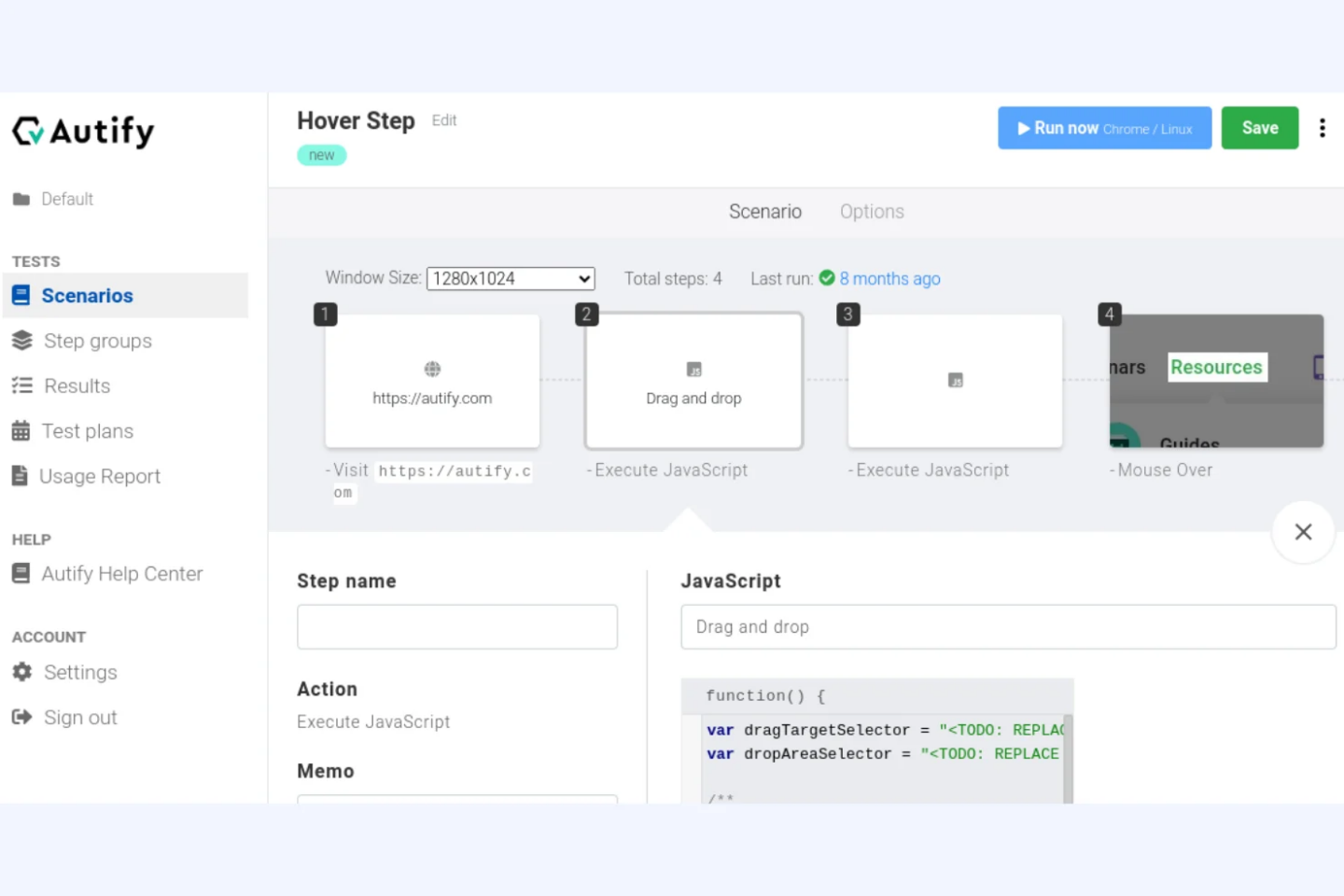
It works well for teams that want one tool spanning many platforms and authoring styles.
Important features
Hybrid authoring. No-code, low-code, and full-code all coexist, so mixed-skill teams can share a tool.
AI self-healing and root-cause analysis. Katalon heals locators and helps explain why a test failed.
Broad platform coverage. Web, API, mobile, and desktop in a single environment.
MCP server and flaky test detection. It exposes an MCP server for AI assistants and flags unstable tests.
Katalon pros and cons
Pros
Broad platform coverage
AI built into every tier at no extra cost
Hybrid authoring
Cons
Per-seat costs add up quickly
Heavyweight IDE
Pricing
Katalon prices per seat.
Katalon Studio Enterprise is $229 per seat per month, True Platform (test management) is $59 per seat per month, and True Automation runs $142 per seat per month for the first three seats, then $167, or roughly $1,699 to $2,500 per seat per year.
Enterprise is custom, AI features are included at no extra cost, and there’s a 30-day free trial.
Codeless and autonomous testing tools
These tools go further: you describe intent, or the tool generates and maintains tests for you. They open automation up to manual QA, at the cost of more lock-in and less low-level control.
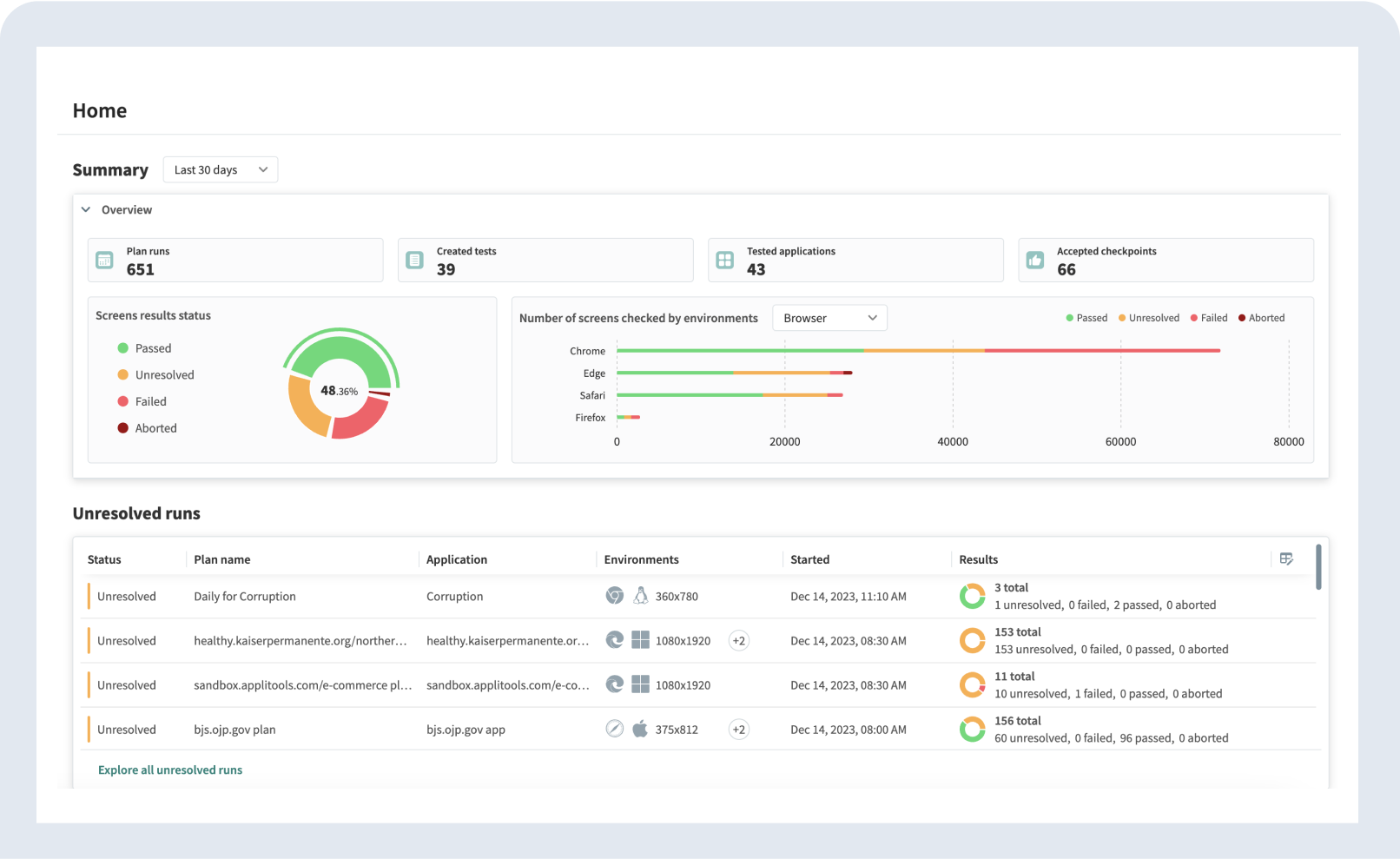
Visual testing covers a gap functional automation can’t: whether the UI actually looks right. A test can pass every assertion while the layout is broken on Safari.
It complements functional tools like Selenium, Playwright, and Cypress rather than replacing them.
Important features
Visual AI perceptual diffing. It compares screens the way a human would, producing far fewer false positives than pixel diffing.
Ultrafast Test Cloud. Render and check across browsers and devices at speed.
Self-healing execution cloud. Reduces flakiness in the visual run itself.
Framework-agnostic SDKs. Drop it into your existing suite regardless of framework.
Applitools pros and cons
Pros
Excellent visual regression detection
Framework-agnostic
Integrates easily with existing suites
Cons
Covers visual testing only
Checkpoint-based costs climb quickly at scale
Pricing
Applitools has a free tier of about 100 visual checkpoints per month. Starter is $99 per month, and Team and Enterprise are custom, billed by checkpoints on an annual basis.
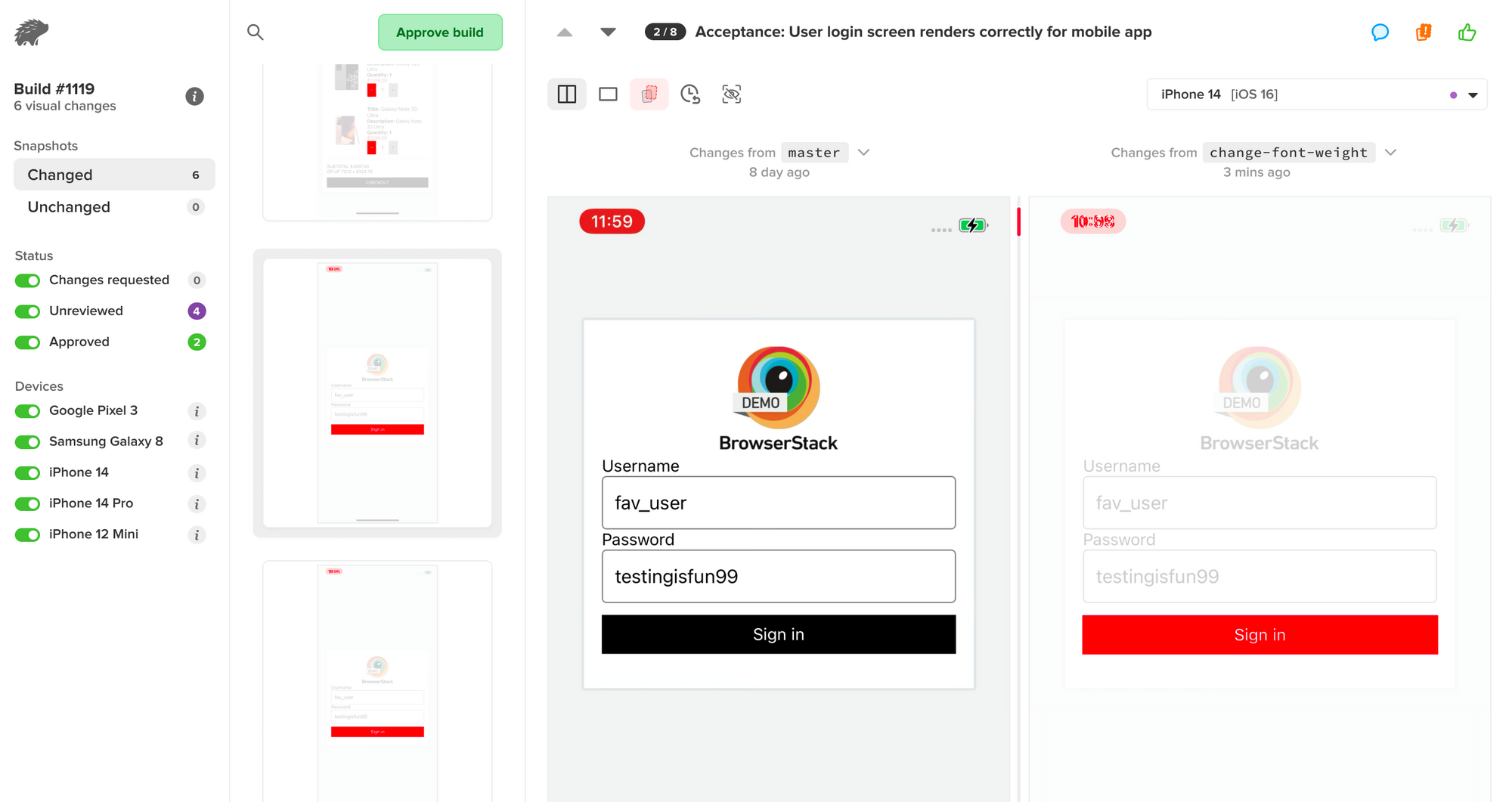
Percy is a cloud visual testing and review platform, now part of BrowserStack, that captures snapshots of your UI and flags visual changes across browsers and responsive widths.
It’s a good fit for teams that want visual regression wired into CI and reviewed like a pull request, especially if they’re already in the BrowserStack ecosystem.
Important features
DOM snapshotting. Percy captures the DOM and re-renders it in its own environment, so snapshots stay consistent instead of depending on your CI machine.
Responsive and cross-browser diffs. It renders each snapshot across multiple widths and browsers to catch breakpoints and browser-specific breakage.
Review workflow. Visual changes surface as an approve-or-reject review, so a person signs off on every intentional change.
CI and framework integrations. SDKs for the common frameworks plus native BrowserStack integration slot it into existing pipelines.
Percy pros and cons
Pros
Clean review workflow
Strong CI integration
Generous free tier
Cons
Screenshot-based billing can get expensive quickly
Visual testing only
Pricing
Percy has a free plan with 5,000 screenshots per month, unlimited users and projects, and 30-day build history.
Paid team plans start at $69 per month with a larger screenshot allowance, and usage beyond the plan is billed as overage. Enterprise is custom.
Note that Percy bills per screenshot (one rendering, in one browser, at one width), so testing across several browsers and widths multiplies usage fast.
Two narrower tools deserve a place on any CTO’s radar: one that writes unit tests autonomously, and one that adds self-healing to existing Selenium suites without a platform migration.
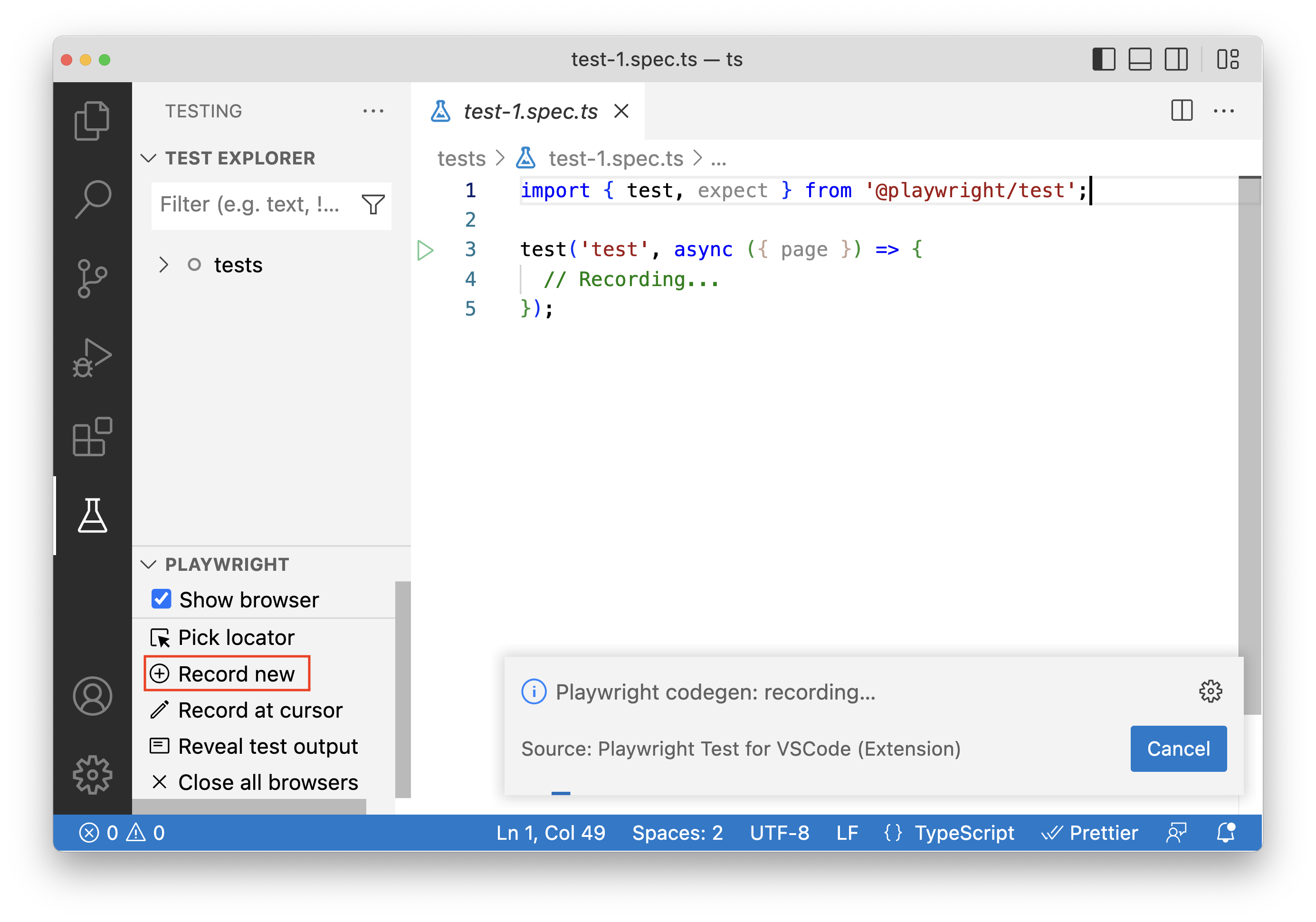
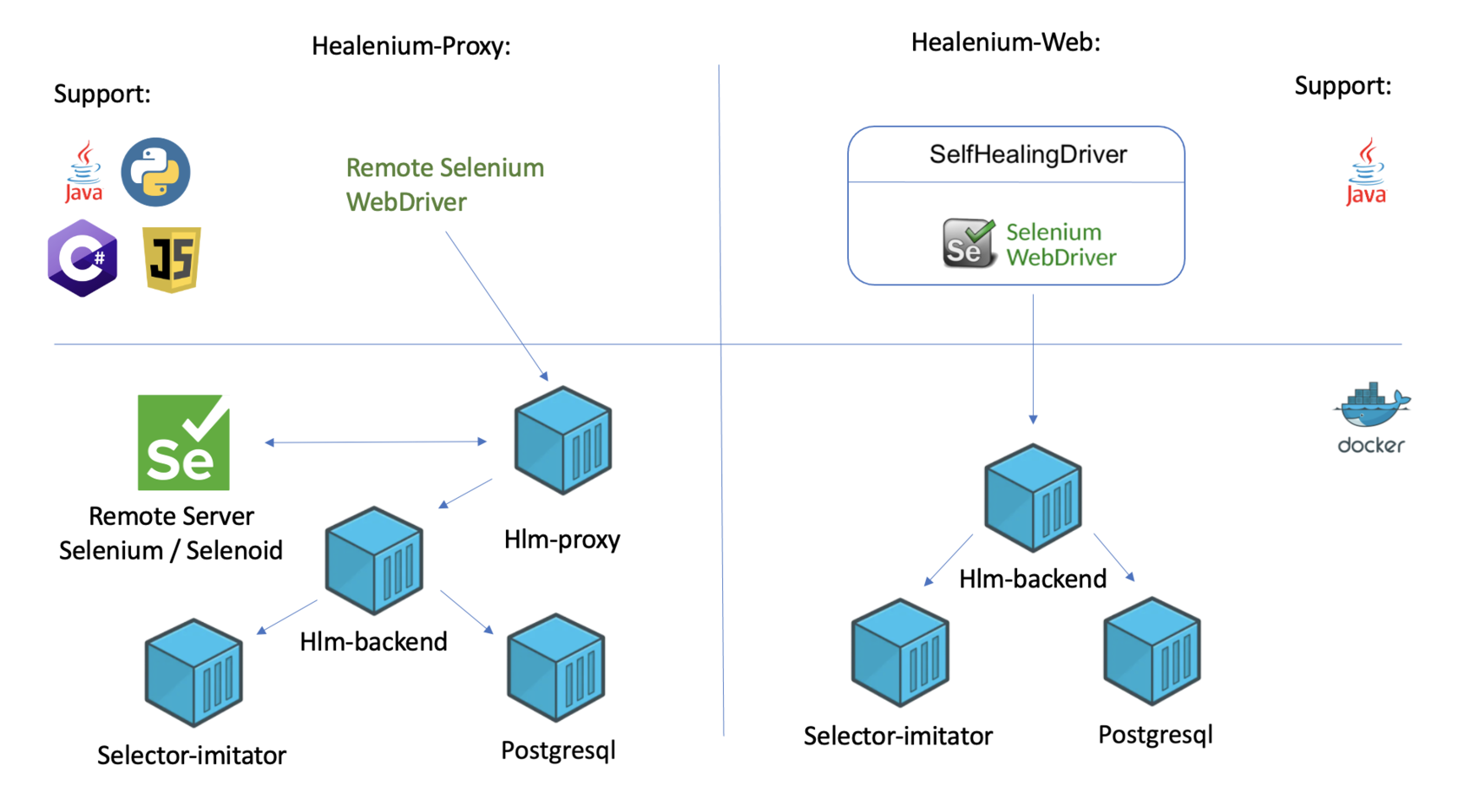
Healenium is an open-source self-healing library that plugs into Selenium to auto-recover broken web locators using ML.
It’s the pragmatic choice when you have a large Selenium investment and want less maintenance without switching platforms.
Important features
Self-healing for Selenium. It recovers broken locators automatically during runs.
DOM tree storage. Healenium stores and updates the element tree to inform healing.
Existing-suite integration. It slots into current Selenium and Java suites.
Open-source and self-hostable. Run it in your own environment.
Healenium pros and cons
Pros
Free and open-source
No vendor lock-in
Reduces locator maintenance
Cons
Selenium and web-focused
Requires setup and infrastructure
Narrower scope
Pricing
Healenium is free and open-source. Your only cost is the infrastructure and setup time.
Where AI testing tools still fall short
Every tool in this article has real limits, and the industry is too quiet about them.
I’m bullish on AI in QA, but I’ve watched these failures cost teams real time, so here they are plainly:
Self-healing can mask real regressions. When a locator heals silently, it assumes the change was intentional. Sometimes the change *was* the bug. A healed test that goes green can hide a genuine defect.
AI-generated tests can be non-deterministic. If the generation isn’t reproducible, two runs produce two different suites, and you can’t reason about coverage. Deterministic tools like Diffblue avoid this. Many don’t.
Someone has to review the AI’s assertions. A generated test is only as good as what it checks. If nobody reviews the assertions, you’ve automated the creation of tests that verify the wrong things at scale.
A generated test locks in current behavior, not correct behavior. This is the one that bites hardest. If the app is buggy when the AI writes the test, the test now defends the bug. Coverage goes up. Quality doesn’t.
AI can’t set your risk priorities. It doesn’t know that the payment flow matters more than the settings page. Deciding what deserves the most rigorous testing is a human judgment call, and it always will be.
The industry data backs this up.
In the World Quality Report 2025, 89% of organizations are piloting or deploying GenAI-augmented QA, but only 15% have reached enterprise scale.
BrowserStack’s State of AI in Testing tells the same story: 94% of teams use AI in testing, but only 12% have reached full autonomy.
The gap between adoption and autonomy is the honest state of play. AI handles the grunt work well. It doesn’t replace judgment yet.
Looking for a development partner who takes quality seriously?
If you’ve been comparing these tools, you already know the hard part isn’t the feature list. It’s building a testing practice that catches real defects without drowning your team in flaky, low-trust automation.
That’s a judgment problem as much as a tooling one.
At DECODE, QA is a first-class discipline, not an afterthought bolted on at the end.
Our teams are senior by design, and we treat testing as a core part of building any product. Quality decisions get made by people who understand the risk.
We’ve built complex software to that standard for companies like Microsoft and Royal Caribbean.
We also built Shake, a bug and crash reporting SDK with 26 million installs, because we care about catching problems early.
If you’re looking for a development partner who will put quality first, you’re in the right place.
Specializing in QA automation and usability testing, Marko ensures every project he works on meets the highest standards of quality. With his keen eye for detail and years of experience he's the go-to expert to call when you need to fix any software issue, big or small. And can you believe it all started with another student job?
When he's not fixing the latest bugs, Marko enjoys hiking and exploring the great outdoors and dreams about working from a peaceful nook by the sea, enjoying the gentle breeze.
A comparison of top AI code review tools for engineering teams. Evaluation criteria, tool breakdowns, and adoption advice for CTOs and engineering leaders.